
What a good weekly meal plan looks like
A good meal plan is short, realistic and shopped for once: about five to seven dinners you'll actually cook, simple breakfasts and lunches, and one grocery list that covers all of it. The planner above builds exactly that, then lets you change anything.
The hard part of meal planning was never the cooking. It's the Sunday-night decision fatigue, the list you write on the back of a receipt, and the half bag of spinach that dies in the drawer because only one recipe needed it. So the planner does three things for you: it picks meals that fit your week, it prefers meals that share ingredients so less goes to waste, and it adds everything up into one list you can shop from in a single trip.
How to meal plan in 4 steps
- Start with dinners. They're the meal most people struggle with and the one that drives the grocery bill. Pick five to seven, depending on how often you eat out or have leftovers.
- Repeat breakfasts and lunches. Two or three breakfasts on rotation is normal and saves real money. Turning one dinner into the next day's lunch saves even more.
- Shop once, from one list. Check the pantry first, then buy only what the week needs. Our list rounds amounts up to how stores sell things, so you know you'll have enough.
- Prep the slow bits early. Cook a pot of rice, wash greens, chop onions for two recipes at once. Ten minutes on Sunday makes Wednesday easy. Our meal prep plan shows how to batch a whole week.
Cook once, eat twice
Turn on Cook once, eat twice in the planner and some dinners are planned as a double batch. The second half comes back as the next day's lunch, marked as leftovers on your plan, and the grocery list counts the extra servings. It's the single biggest shortcut in home cooking: fewer meals to cook, fewer ingredients to buy, nothing to throw away.
Plans for the way you eat
Choose the kind of week in step two and the planner only uses meals that fit. You can still pick any single meal by hand later.
- High protein: lunches and dinners with 30 g of protein or more per serving. See the high protein meal plan for how much protein you actually need.
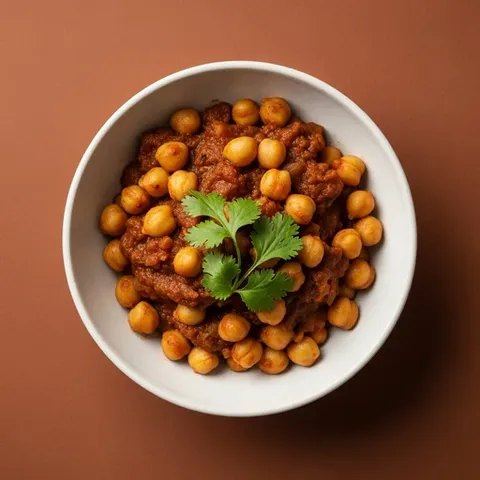
- Budget: beans, lentils, eggs, canned tuna, rice and frozen vegetables, with recipes that share ingredients. More in our budget meal plan.
- Vegetarian and vegan: no meat or fish, with enough protein from beans, lentils, tofu, eggs and dairy.
- Quick: every meal ready in 30 minutes or less.
- Mediterranean: olive oil, fish, beans, whole grains and lots of vegetables.
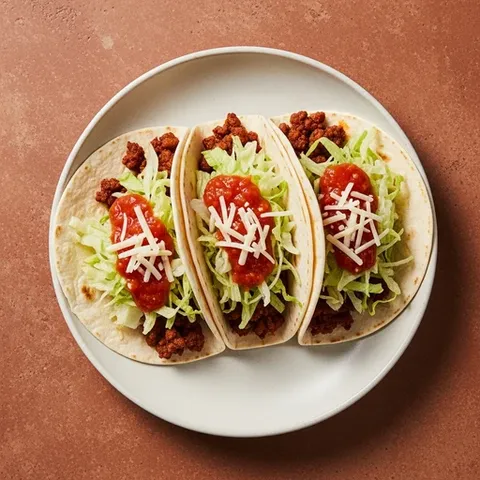
- Family-friendly: tacos, pasta, sheet-pan dinners and other meals kids tend to eat. See the family meal plan.
Prefer pen and paper?
Print a blank meal planner template instead: weekly, weekly with a grocery list column, or a monthly dinner calendar, on US Letter or A4. Or make a plan here and print it. The plan fits on one landscape page and the grocery list on the next.